Capture with confidence.
Choose a before photo, then use it as a reference while capturing the after. Match the angle, position and framing, or choose both photos from your library.
 B4After
FOR BUSY SERVICE BUSINESSES
Your time is money. Spend less of it putting photos together.
B4After is the before-and-after photo app for busy business owners. Capture, edit and combine your photos, then get back to the next job.
Meet B4AfterComing to iPhone & iPad iOS 18+
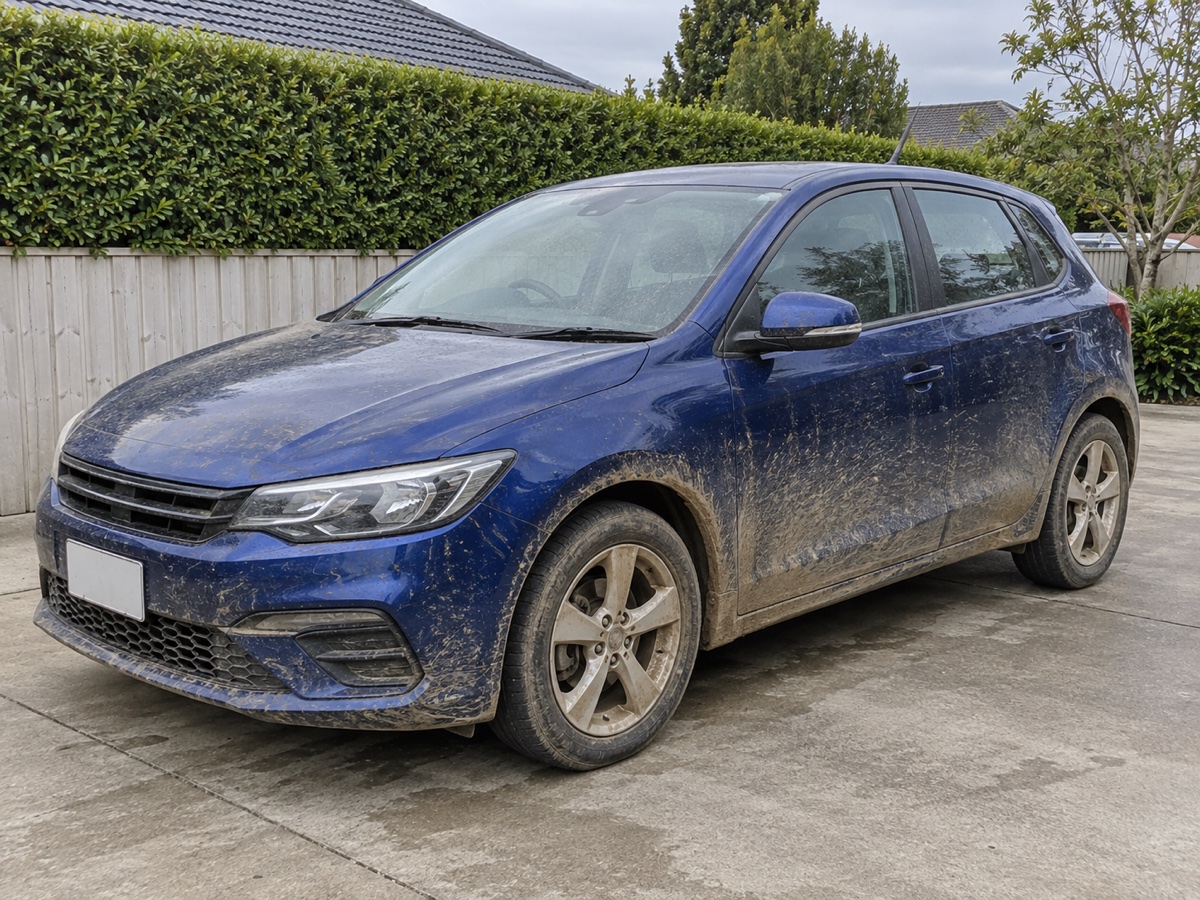
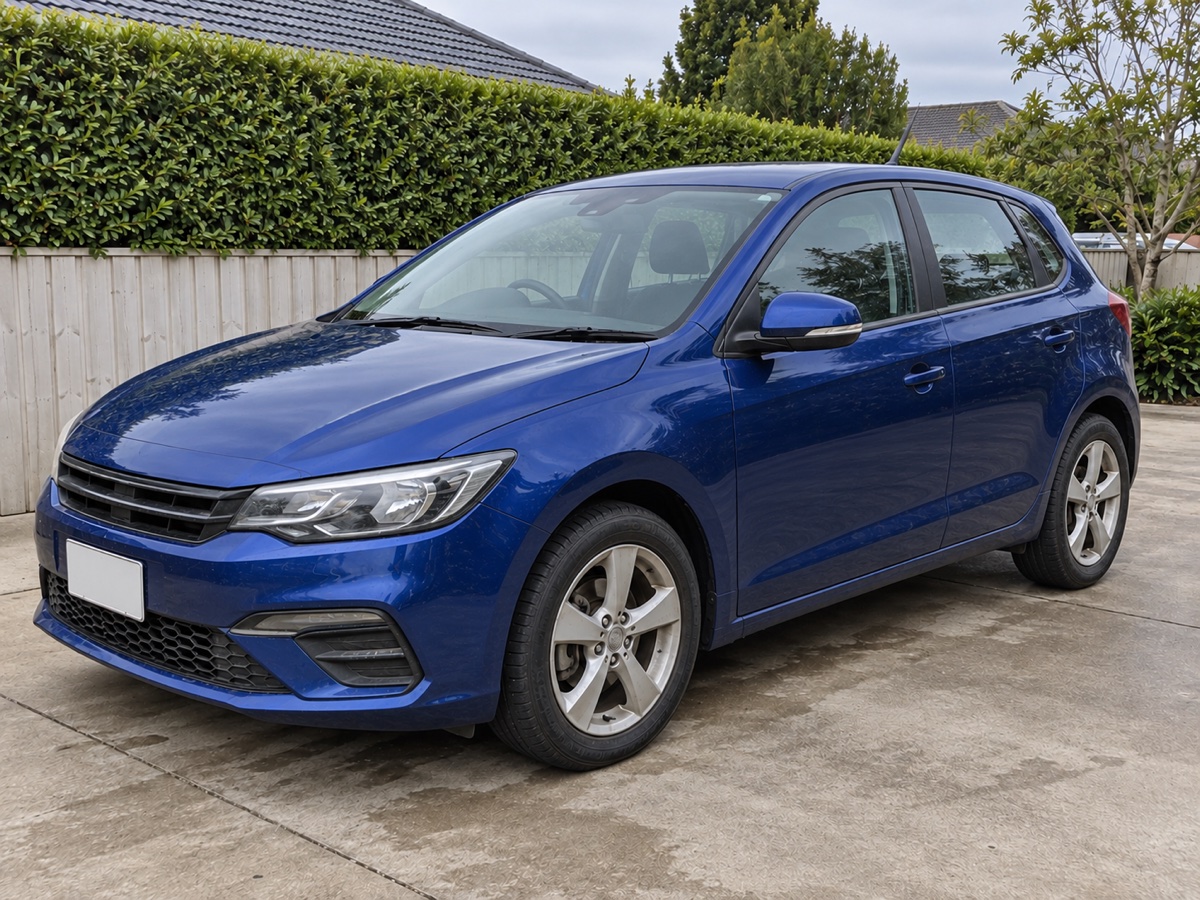
Show the detail that goes into every detailing job.
FROM PHOTOS TO FINISHED
Save time by skipping the trip to an external image editor. B4After brings the steps together on your iPhone or iPad.
Choose a before photo, then use it as a reference while capturing the after. Match the angle, position and framing, or choose both photos from your library.
Crop and adjust each photo. Pick a side-by-side or stacked layout, add optional labels, and let B4After put the photos together.
Save or share the finished image. Add it to your portfolio, social posts, quotes, invoices or client messages using the tools you already use.
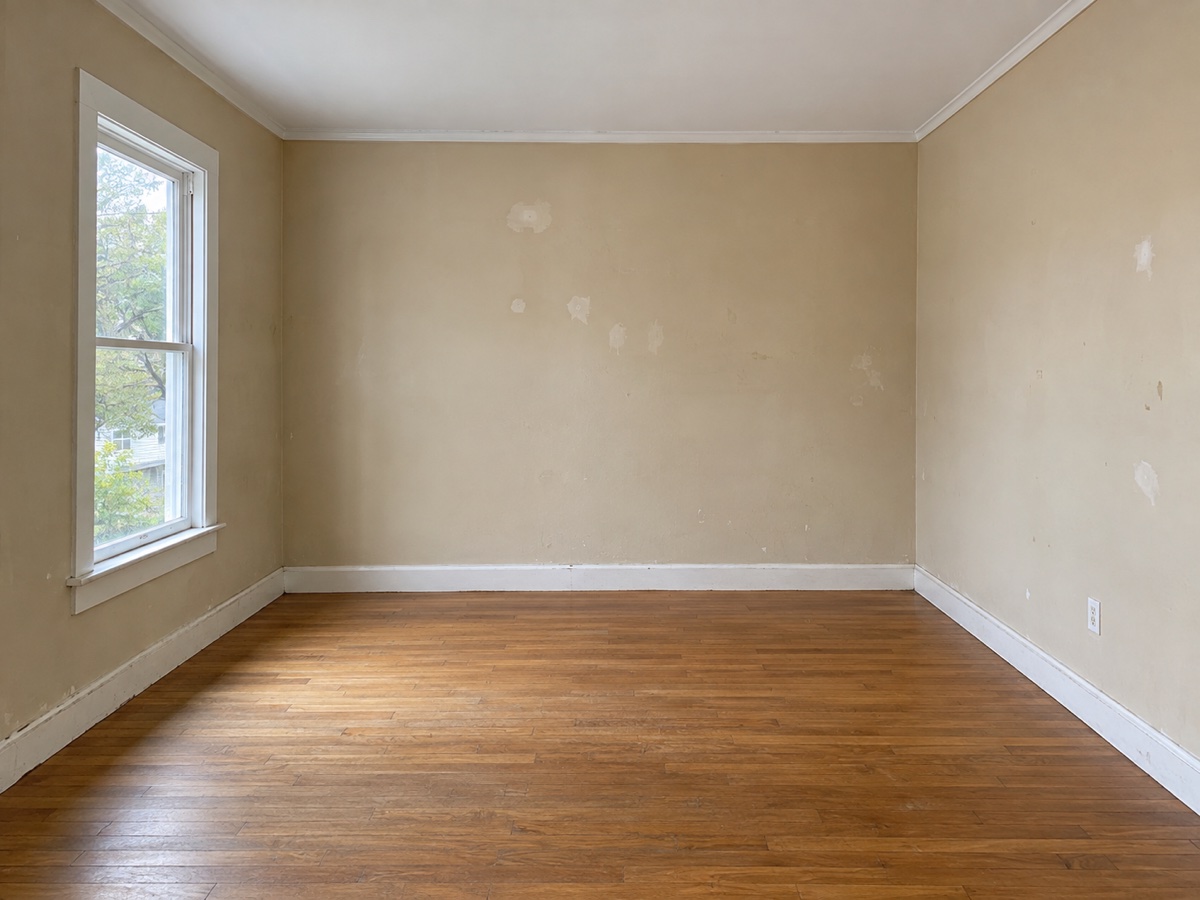

CONSISTENCY MAKES THE DIFFERENCE
A great comparison starts with consistent photos. Keep the before photo in view as you capture the after, so you can match the angle and position.
Fine-tune each image with cropping, exposure, brightness, contrast and warmth. Add Before and After labels, plus dates and times when available.
Your photos stay on your device.MORE VALUE FROM EVERY JOB
Add a finished comparison to social posts, your website or your portfolio. Make the result of your work easy to understand.
Show previous work alongside a quote or in a client message. Help people picture the service they’re choosing.
Add the comparison to an invoice, or share it alongside one, using your existing business tools.
Name your projects, return to unfinished comparisons and revisit previous work to make changes. No account to set up.
A FEW USEFUL ANSWERS
Built for car detailers, painters, gardeners, groomers, beauticians, builders and anyone whose work is worth showing.
B4After is a before-and-after photo app for iPhone and iPad. It helps service businesses capture or choose two photos, edit them, combine them into one comparison, and save or share the result.
Choose a side-by-side or stacked layout and B4After joins your photos automatically. Capture, editing and comparison happen in one app, so you can skip manually arranging photos in an external image editor.
Yes. Choose your before and after photos from your photo library. You can also use an existing before photo as a reference while capturing a new after photo.
B4After lets you crop and adjust your photos. It does not generate the after result or automatically improve the job shown in your photos. The example photos on this page were created with AI for demonstration.
Save the image to Photos or share it using the apps you already use. Add it to portfolios, social posts, websites, quotes, invoices and client messages. B4After creates the image; your existing business tools handle the rest.
No. Imported photos, captured photos, edit settings and comparison files stay on your device. B4After does not upload your photos or projects to a B4After server. Read the privacy policy for details about permissions, Apple purchases and optional support messages.
B4After is being prepared for the App Store and requires iOS 18 or later. Planned US launch pricing is US$5.99 per month or US$49.99 per year, billed annually. A 7-day free trial is available to eligible subscribers when offered by Apple. Plans, local prices and the charge after the trial are shown in the app. A subscription is required to create and save comparisons; existing projects remain viewable after it ends.
LET’S TALK
Send Chrahli Studio a message about B4After. We’ll reply to the address you enter.
LESS TIME EDITING. MORE TIME DOING.
Coming to iPhone and iPad from Chrahli Studio.
Example photos created with AI for demonstration. B4After works with your own photos.